Get the different angles using the JavaScript HTML5 orientation API
Typical use
The use of this API is very straightforward:
- Test if your browser supports the orientation API (window.DeviceOrientationEvent is not null),
- Define a listener for the ‘deviceorientation‘ event as follows: window.addEventListener(‘deviceorientation’, callback, false); with the callback function accepting the event object as its single input parameter,
- Extract the angles from the event (use its properties: alpha, beta, gamma).
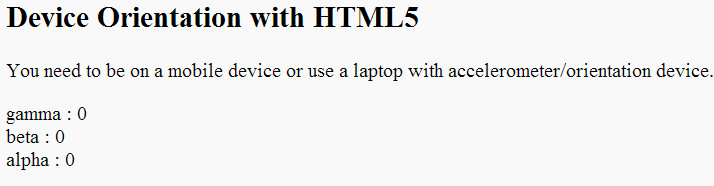
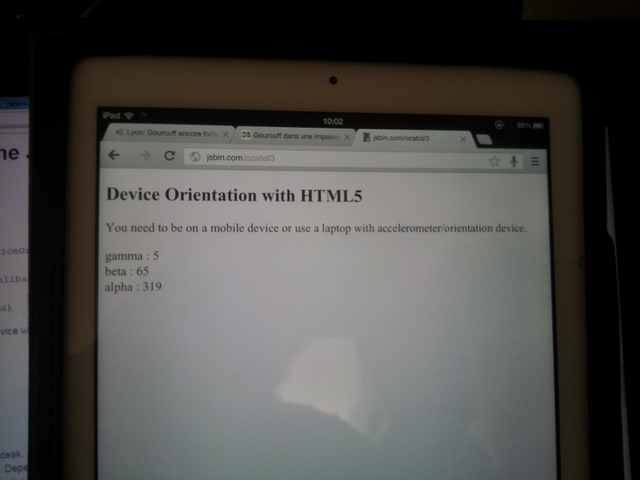
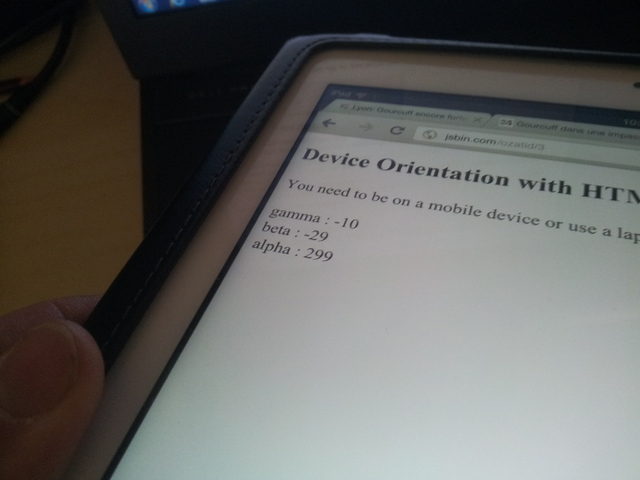
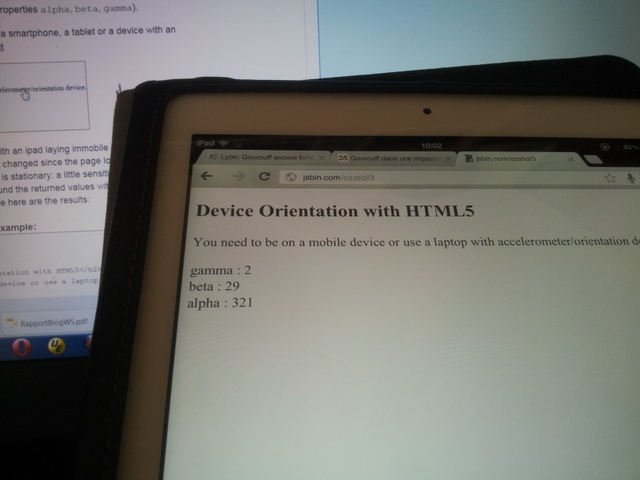
Here’s an example on JsBin. Try it with a smartphone, a tablet, or a device with an accelerometer:
(If using a mobile device, open the page in standalone mode (without the JsBin editor) )
- …
- <h2>Device Orientation with HTML5</h2>
- You need to be on a mobile device or use a laptop with accelerometer/orientation
- device.
- <p>
- id=“LR”>
- id=“FB”>
- id=“DIR”>
- type=“text/javascript”>
- if (window.DeviceOrientationEvent) {
- console.log(“DeviceOrientation is supported”);
- window.addEventListener(‘deviceorientation’, function(eventData) {
- // gamme is for left/right inclination
- var LR = eventData.gamma;
- // beta is for front/back inclination
- var FB = eventData.beta;
- // alpha is for orientation
- var DIR = eventData.alpha;
- // display values on screen
- deviceOrientationHandler(LR, FB, DIR);
- }, false);
- } else {
- alert(“Device orientation not supported on your device or browser. Sorry.”);
- }
- function deviceOrientationHandler(LR, FB, DIR) {
- document.querySelector(“#LR”).innerHTML = “gamma : “ + Math.round(LR);
- document.querySelector(“#FB”).innerHTML = “beta : “ + Math.round(FB);
- document.querySelector(“#DIR”).innerHTML = “alpha : “ + Math.round(DIR);
- }
- …
Another example that shows how to orient the HTML5 logo using the orientation API + CSS3 3D rotations
This is just a variation of the previous example, try it at JsBin
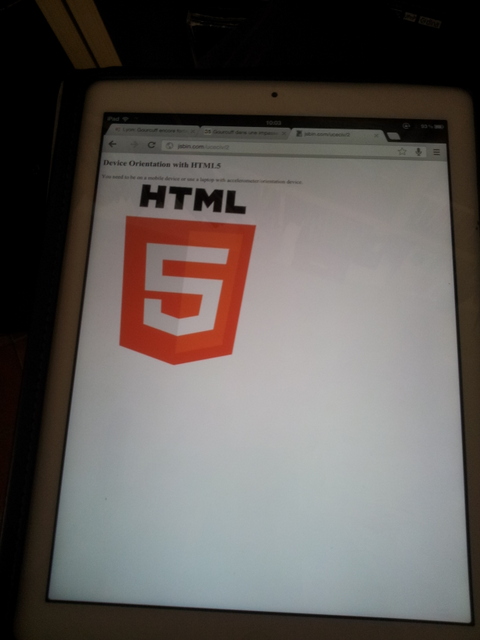
Results on the iPad: the logo rotates when we change the iPad’s orientation. This is a good “visual feedback” for an orientation controlled game…
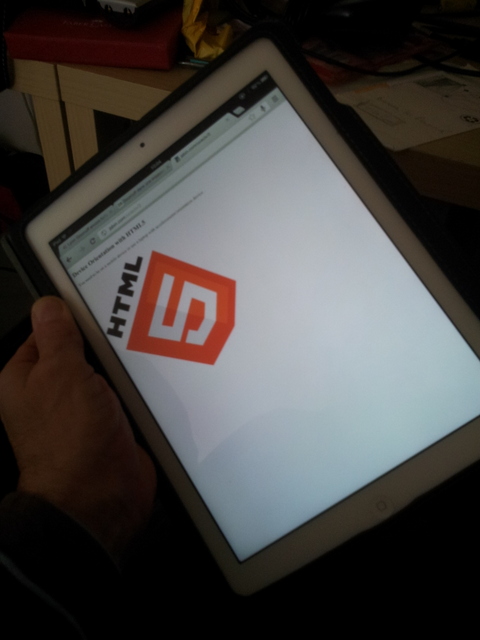
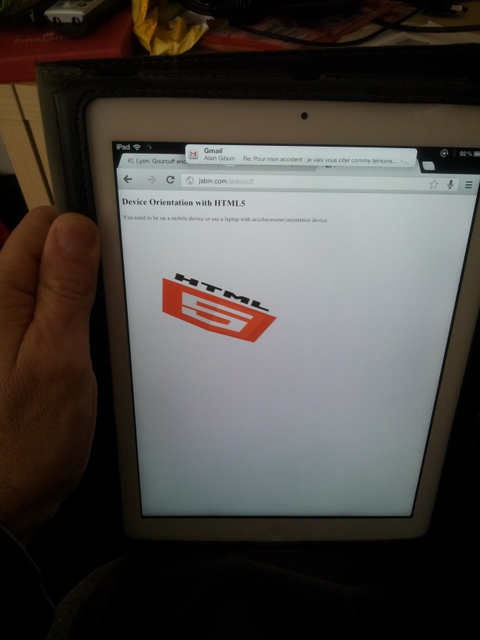
This example as a Youtube video: http://www.youtube.com/watch?v=OrNLhOAGSdE
Code from the example:
- …
- <h2>Device Orientation with HTML5</h2>
- You need to be on a mobile device or use a laptop with accelerometer/orientation
- device.
- <p>
- id=“LR”>
- id=“FB”>
- id=“DIR”>
- <img src=“http://www.html5
- rocks.com/en/tutorials/device/orientation/html5_logo.png” id=“imgLogo”
- class=“logo”>
- type=“text/javascript”>
- if (window.DeviceOrientationEvent) {
- console.log(“DeviceOrientation is supported”);
- window.addEventListener(‘deviceorientation’, function(eventData) {
- var LR = eventData.gamma;
- var FB = eventData.beta;
- var DIR = eventData.alpha;
- deviceOrientationHandler(LR, FB, DIR);
- }, false);
- } else {
- alert(“Not supported on your device or browser. Sorry.”);
- }
- function deviceOrientationHandler(LR, FB, DIR) {
- // USE CSS3 rotations for rotating the HTML5 logo
- //for webkit browser
- document.getElementById(“imgLogo”).style.webkitTransform =
- “rotate(“ + LR + “deg) rotate3d(1,0,0, “ + (FB * –1) + “deg)”;
- //for HTML5 standard-compliance
- document.getElementById(“imgLogo”).style.transform =
- “rotate(“ + LR + “deg) rotate3d(1,0,0, “ + (FB * –1) + “deg)”;
- document.querySelector(“#LR”).innerHTML = “gamma : “ + Math.round(LR);
- document.querySelector(“#FB”).innerHTML = “beta : “ + Math.round(FB);
- document.querySelector(“#DIR”).innerHTML = “alpha : “ + Math.round(DIR);
- }
- …
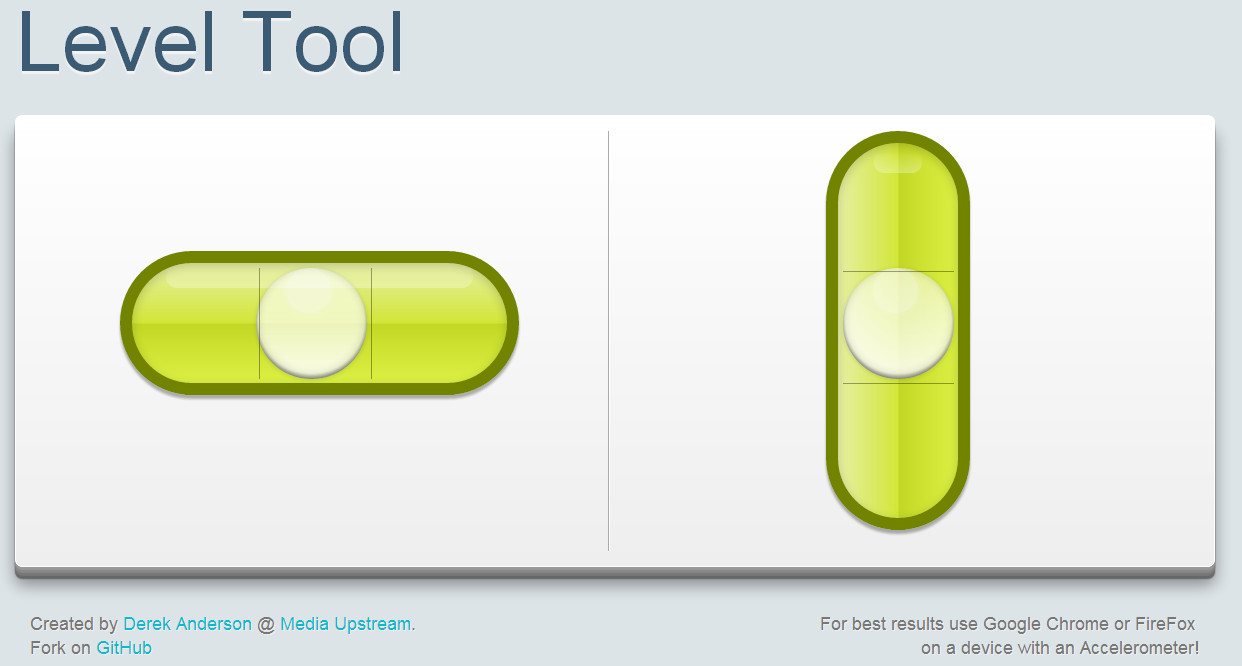
A simple level tool using device orientation
This example works in Firefox, Chrome, and IOS Safari. Created by Derek Anderson @ Media Upstream. Original source code available GitHub.
We adapted the source code so that you can tweak it in JsBin, or test it in standalone mode (using a mobile device).
Other interesting uses: mix orientation API and WebSockets
You can imagine the above example that sends the current orientation of the device to a server using WebSockets. The server in turn updates the logo and position on a PC screen. If multiple devices connect, they can chat together and take control of the 3D Logo.
This video shows one of the above examples slightly modified: the JavaScript code running in the Web page on the iPad sends in real time the device orientation using the Web Sockets API to a server that in turns sends the orientation to a client running on a desktop browser. In this way the tablet “controls” the HTML5 logo that is shown on the desktop browser:
Click on the image to see the YouTube video:
 HTML game