Adding time-based animation to our game engine
To add time-based animation to our game engine, we will be using the technique discussed in the previous lesson. This technique is now widely supported by browsers, and adds time-based animation to our game framework, through the timestamp parameter passed to the callback function (mainLoop) by the call to requestAnimationFrame(mainLoop).
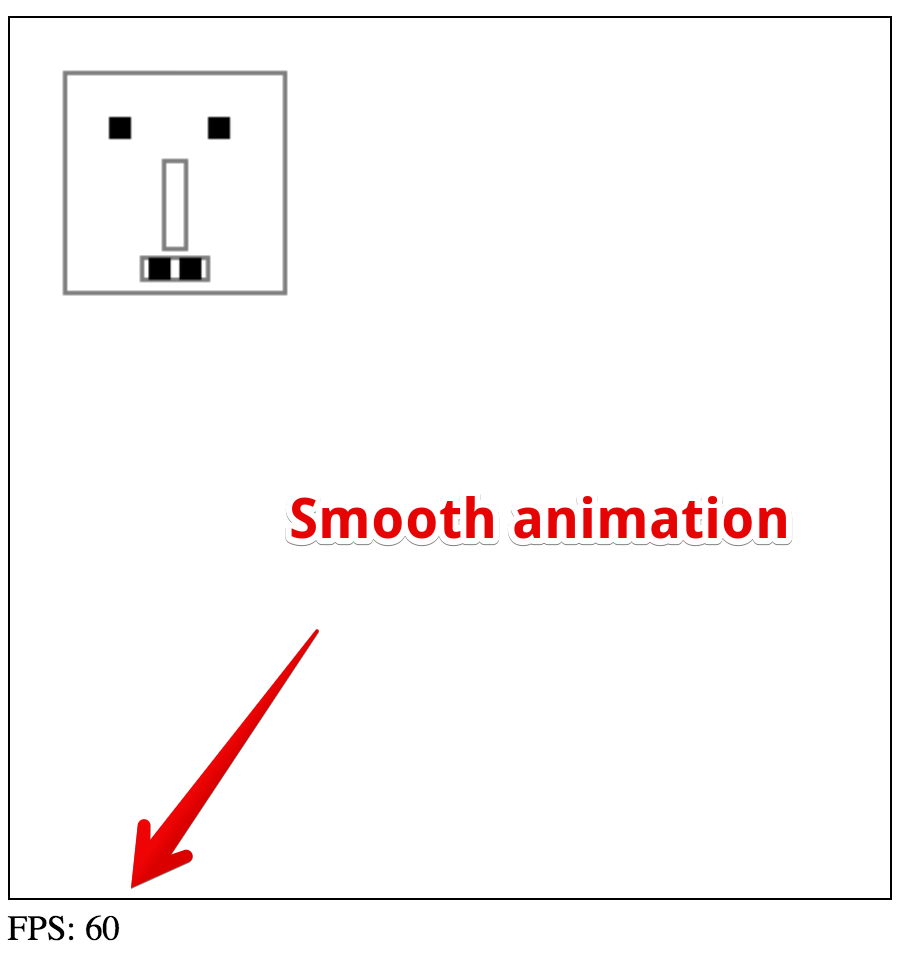
Here is an online example of the game framework at JSBin: this time, the monster has a speed in pixels/s and we use time-based animation. Try it and verify the smoothness of the animation; the FPS counter on a Mac Book Pro core i7 shows 60 fps.
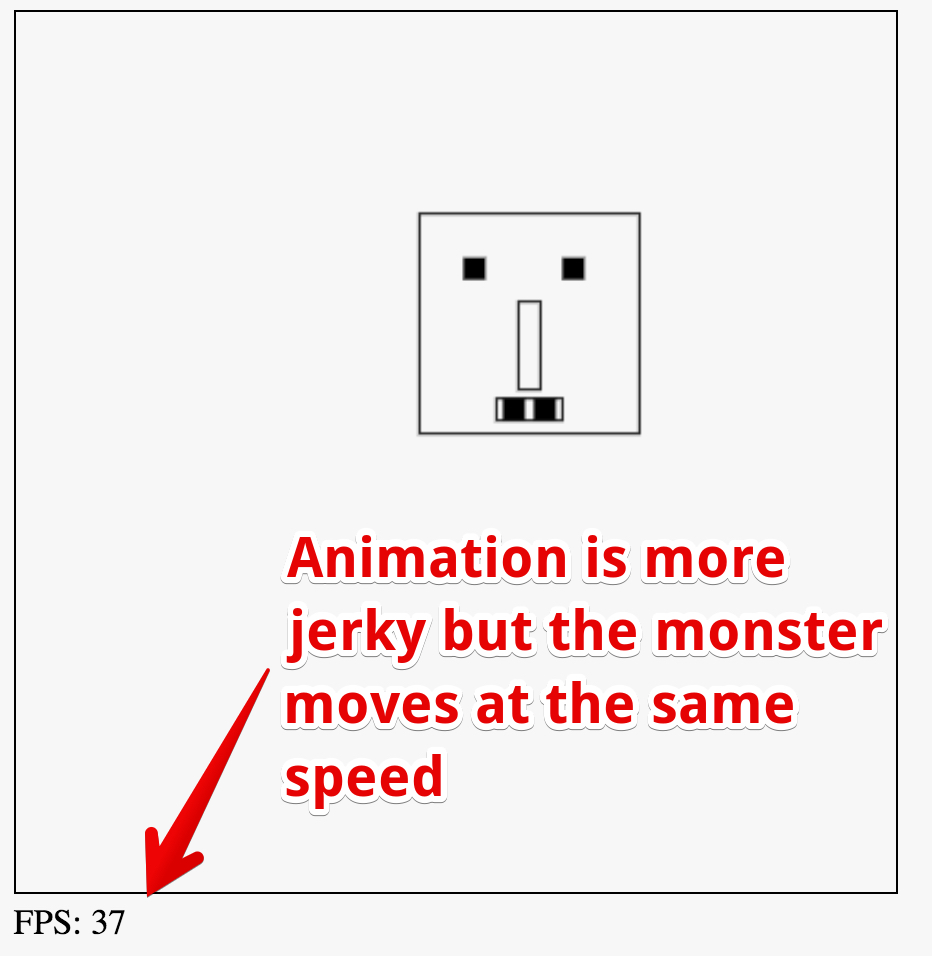
Now try this slightly modified version in which we added a delay inside the animation loop. This should slow down the frame rate. On a Mac Book Pro + core i7, the frame-rate drops down to 37 fps. However, if you move the monster using the arrow keys, its speed on the screen is the same, excepting that it’s not as smooth as in the previous version, which ran at 60 fps.
Here are the parts we changed
Declaration of the monster object – now the speed is in pixels/s instead of in pixels per frame
- // The monster !
- var monster = {
- x:10,
- y:10,
- speed:100, // pixels/s this time !
- };
We added a timer(currentTime) function that returns the delta of the time elapsed since its last call
We refer to it from the game loop, to measure the time between frames. Notice that here we pass the delta as a parameter to the updateMonsterPosition call:
- function timer(currentTime) {
- var delta = currentTime – oldTime;
- oldTime = currentTime;
- return delta;
- }
- var mainLoop = function(time){
- //main function, called each frame
- measureFPS(time);
- // number of ms since last frame draw
- delta = timer(time);
- // Clear the canvas
- clearCanvas();
- // draw the monster
- drawMyMonster(monster.x, monster.y);
- // Check inputs and move the monster
- updateMonsterPosition(delta);
- // call the animation loop every 1/60th of second
- requestAnimationFrame(mainLoop);
- };
Finally, we utilise the time-delta in the updateMonsterPosition(…) function
- function updateMonsterPosition(delta) {
- …
- // Compute the incX and inY in pixels depending
- // on the time elapsed since last redraw
- monster.x += calcDistanceToMove(delta, monster.speedX);
- monster.y += calcDistanceToMove(delta, monster.speedY);
- }
 HTML game